Deploy to Cloudflare Workers
Cloudflare Workers with Static Assets is the modern way to host static sites on Cloudflare’s global network. It replaces Cloudflare Pages, which is being deprecated. The free tier covers 100,000 requests per day — plenty for a personal tutorial site.
If you see “Create a Pages project” in the dashboard, use the Workers path instead. Pages is being retired in favour of Workers with Static Assets.
Prerequisites
What you need to know:
What you need installed:
Step 1 — Configure wrangler.toml
Step 1 of 5The wrangler.toml file at the project root tells Wrangler where your built files
live. This repo already has it configured, but for reference it should look like this:
name = "dev-tutorials"
compatibility_date = "2026-04-07"

[assets]
directory = "./dist"
The [assets] section is the Workers Static Assets format. The old [site] format
was for a legacy product called Workers Sites — do not use it.
Step 2 — Log in to Cloudflare
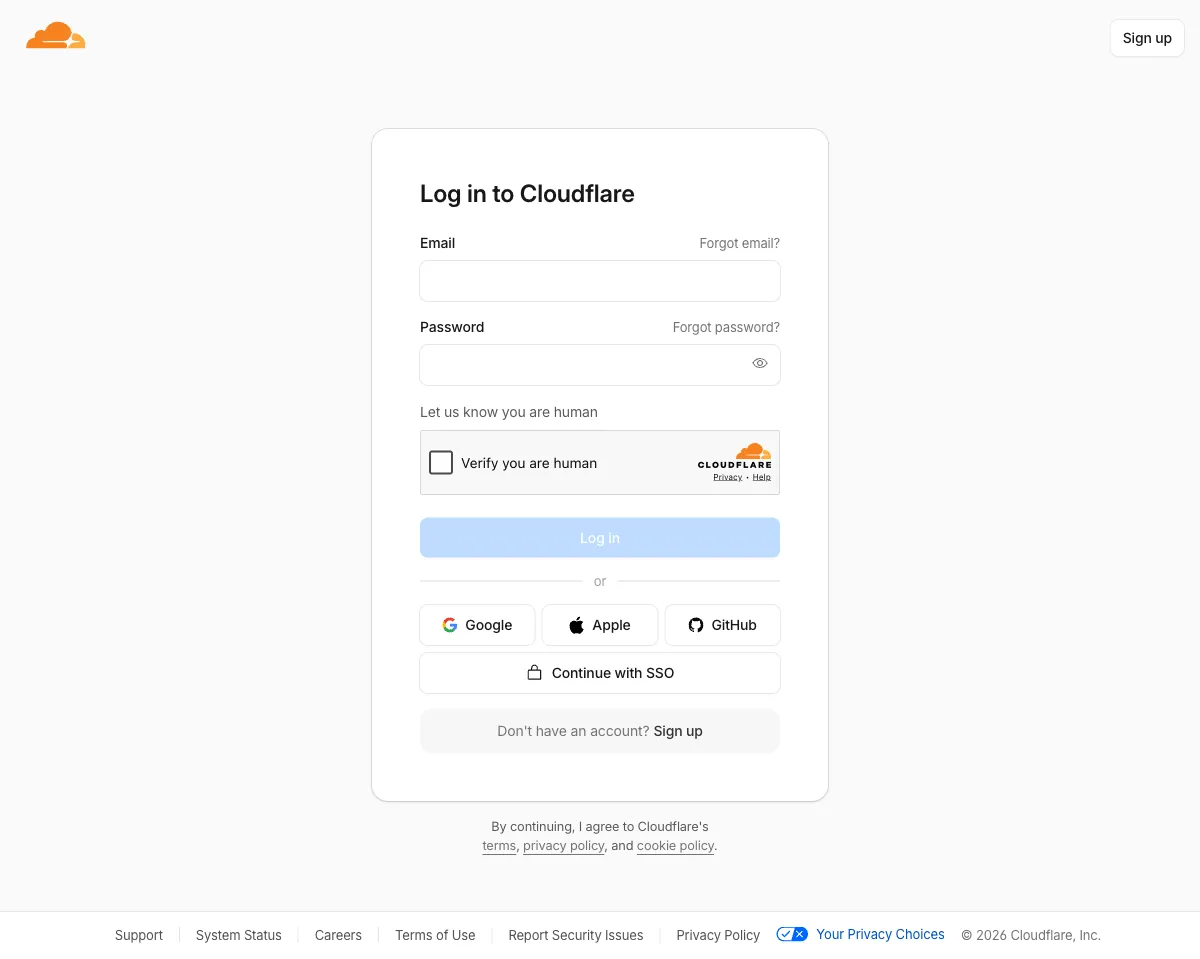
Step 2 of 5Authenticate Wrangler with your Cloudflare account:
npx wrangler loginThis opens a browser window. Log in and click Allow. Wrangler stores a token locally so you don’t need to repeat this step.
Step 3 — Build the site
Step 3 of 5Generate the static output and Pagefind search index:
npm run buildThis runs astro build followed by pagefind --site dist. Both outputs land in
dist/ — that’s what gets deployed.
Step 4 — Deploy
Step 4 of 5npx wrangler deployWrangler reads wrangler.toml, uploads the contents of dist/ to Cloudflare’s
network, and prints your live URL:
Uploaded dev-tutorials (1.23 sec)
Deployed dev-tutorials triggers (0.42 sec)
  https://dev-tutorials.YOUR_SUBDOMAIN.workers.dev
Your site is now live on Cloudflare’s global CDN.
The first wrangler deploy creates the Worker in your Cloudflare
account automatically — no dashboard setup required.
Step 5 — Connect GitHub for automatic deploys
Step 5 of 5Rather than running wrangler deploy manually on every change, connect your GitHub
repository through the Cloudflare dashboard for automatic deploys on every push.
- In the Workers & Pages dashboard, open your Worker
- Go to Settings → Build (or Deployments → Connect to Git)
- Click Connect a repository and authorise Cloudflare to access your GitHub account
- Select your repository and branch (
main) - Set the build command to
npm run buildand the output directory todist - Click Save
From this point, every push to main triggers a build and deploy automatically —
no API tokens or GitHub Actions required.
Optional — Custom domain
To serve from your own domain instead of *.workers.dev:
- In the Cloudflare dashboard, open Workers & Pages and select your Worker
- Go to Settings → Triggers → Custom Domains
- Click Add Custom Domain and enter your domain
SSL is provisioned automatically.
What gets deployed
The npm run build script runs two commands:
astro build    → generates static HTML/CSS/JS into dist/
pagefind       → builds the full-text search index into dist/pagefind/
Both land in dist/, which wrangler deploy uploads in full. Search works on the
live site because the Pagefind index files are included in the deployment.